定时获取天气
因为经常过了今天就忘了昨天的天气,就打算写个脚本定时获取天气,便于查看,在和风天气申请了一个API,因为免费。
写了一个python脚本进行认证然后获取天气,提取信息存储在sqlite数据库里。
定时任务我使用systemd的timer,不需要再下crontab了。
首先创建一个systemd服务,在/usr/lib/systemd/system/weather.service
[Unit]
Description=GETweather

[Service]
ExecStart=/bin/bash /home/azureuser/bin/weather.sh
然后创建一个定时器定时执行,在/usr/lib/systemd/system/weather.timer
[Unit]
Description=Run weather per 30min

[Timer]
OnCalendar=*-*-* *:00,30:00
Unit=weather.service

[Install]
WantedBy=timers.target
写一个脚本定时执行python文件,并且打印日志监控运行状况。
#!/usr/bin/bash

cd /home/azureuser/weather/

echo "===== $(date) Start run =====" >> /var/log/weather.log

source ./.venv/bin/activate

python3 ./qweather.py

if [ $? -eq 0 ]; then
    echo "$(date) Run success" >> /var/log/weather.log
else
    echo "$(date) Run failed Fail code: $?" >> /var/log/weather.log
fi

echo "=============================" >> /var/log/weather.log
写完service,timer文件之后
sudo systemctl daemon-reload
sudo systemctl start weather.timer
就可以定时运行起来了,运行结果是这样的
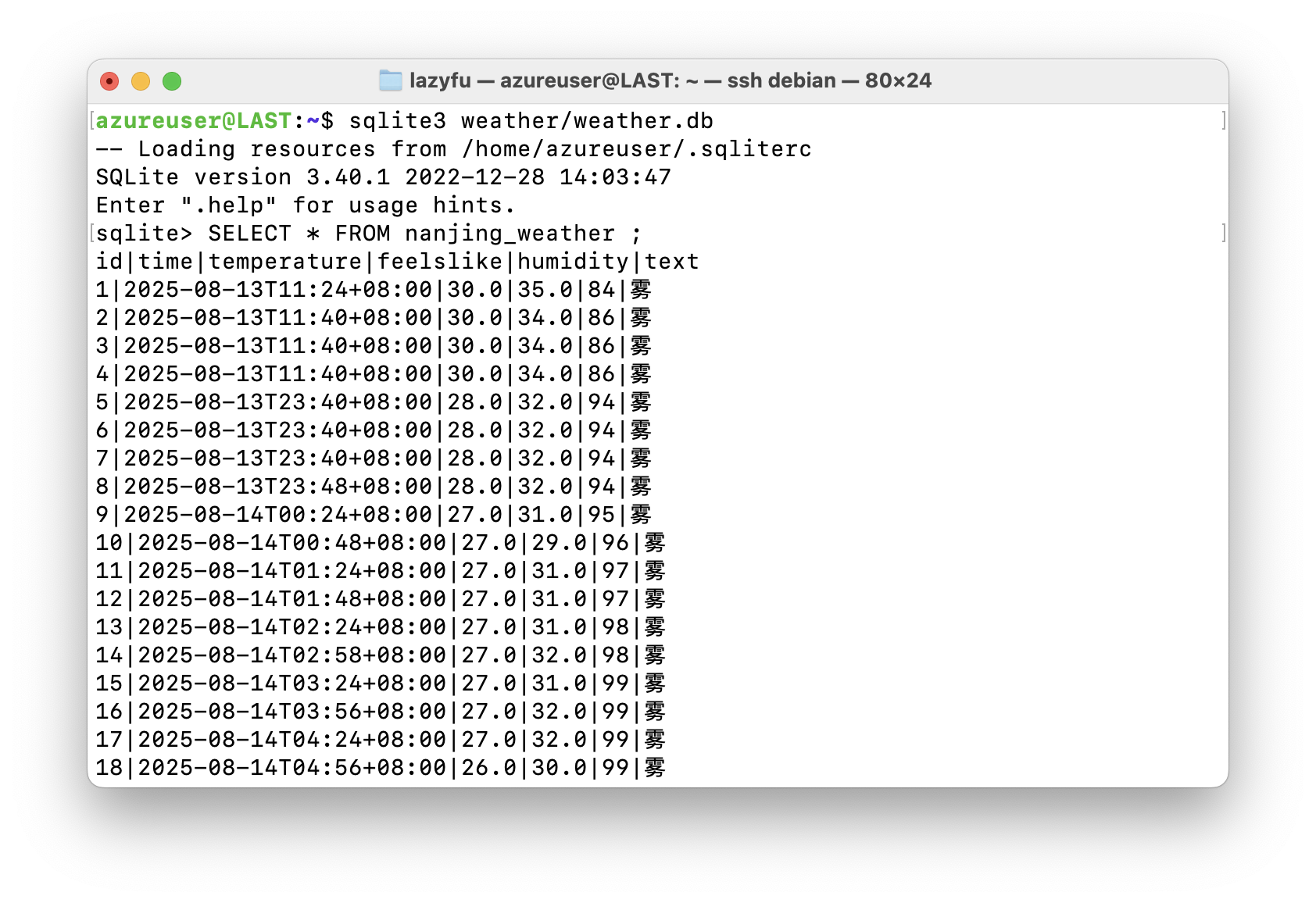
可以用systemctl status weather.timer查看定时状态。